eazy repair
List of issues in your network: how to fix them.
MacBook Pro models are organized by the year they were introduced, starting with the most recent. Click the model name for detailed technical specifications.
10 things people frequently ask when trying to fix or improve their company network:
How do I stop my office Wi-Fi from dropping out? Business owners often struggle with "dead zones" or intermittent connectivity in larger office spaces. Stop Wi-Fi Dropouts: You likely need a network refresh to install professional-grade Mesh Wi-Fi or additional access points to eliminate dead zones.
How can I protect my network from ransomware and spyware? This is a top priority for small businesses looking for advanced endpoint protection. Protect from Ransomware: Use Advanced Endpoint Protection to shield your entire network from malicious software before it can lock your files.
What is the best way to set up a secure remote VPN? As hybrid work continues, companies ask how to give employees safe access to the office server from home. Secure Remote VPN: Set up an encrypted tunnel to your office server so remote employees can work safely without exposing your data to the open web.
How do I fix slow internet speeds during peak hours? Many businesses ask for network refreshes to handle high bandwidth demands without slowing down productivity. Fix Slow Speeds: Audit your hardware and cabling; older routers often can’t handle modern high-speed fiber or high-bandwidth video calls.
What should I do if my server goes down? Since downtime equals zero productivity, businesses frequently seek emergency server maintenance and support. Emergency Server Fix: You need a Small Business Server Support specialist who can maintain and recover your environment to prevent zero-productivity downtime.
How can I bridge the gap between my Mac and PC users? Companies often ask for cross-platform support to ensure all devices communicate perfectly on the same network. Mac/PC Integration: Implement cross-platform networking protocols so your MacBook, Dell, and Lenovo devices can share files and printers seamlessly.
Is my current network hardware (Cisco, Dell, Lenovo) outdated? Business owners ask for audits to see if their physical equipment is causing their technical issues. Check Outdated Hardware: If your Cisco or Microsoft systems are older than five years, they are likely the bottleneck causing your slowness.
How do I set up a guest Wi-Fi that won't compromise my main network? People ask how to provide internet to visitors without giving them access to sensitive company files. Safe Guest Wi-Fi: Create a "VLAN" (Virtual Local Area Network) which gives guests internet access while keeping your private company data completely invisible to them
What is a Disaster Recovery plan, and do I need one? Businesses ask how to back up their data so they can recover quickly after a hack or a hardware failure. Disaster Recovery: This is a "Disaster Report" and backup system that allows you to restore your entire business data in hours rather than weeks after a crash.
How can I get 24/7 tech support without hiring a full-time IT person? Small businesses often ask for local partners who can provide "on-call" cell phone access for immediate fixes. 24/7 Support: Partner with a local firm that offers a direct cell phone number for immediate help, avoiding the overhead of a full-time IT salary.
Beyond network-specific issues, here are the most common general computer questions users frequently ask, along with quick solutions to help your clients at EliteBuyer: ### **Performance & Speed** * **
"Why is my computer running so slow?"** This is usually caused by too many programs running at startup, a lack of RAM, or an aging hard drive that needs to be replaced with a modern SSD. * **"
Should I leave my computer on all night?"** While modern computers handle being left on, a full restart once a week is recommended to clear out temporary files and system glitches that slow you down. ### **Software & Updates** * **"
Do I really need to run these Windows or Mac updates?"** Yes. Updates aren't just for features; they include critical "Easy Fix" security patches that prevent hackers from exploiting known vulnerabilities in your software. * **
"How do I know if this email is a scam?"** Users often ask how to spot "phishing." Tell them to check the sender's actual email address and never click links that ask for passwords or bank info. ### **Data & Hardware** * **
"Can I recover a file I accidentally deleted?"** If it's not in the trash, it depends on whether you have an active backup. This is why having a proactive "Disaster Report" and backup system is vital. * **
"Is it okay to use my laptop on my lap or a pillow?"** No. This blocks the fans and leads to overheating, which can permanently damage the internal components of your MacBook or PC. * **
"Why is my laptop battery dying so fast?"** Batteries are wear-and-tear items. If your laptop is over three years old, it likely needs a physical replacement to regain its original charge capacity. ###
**Cloud & Syncing** * **"What is 'The Cloud' and is it safe?"** The Cloud is just a server in another location. It is safe if you use multi-factor authentication (MFA) to lock your account. * **
"Why aren't my files syncing between my phone and computer?"** This usually happens because a software update broke the connection or the storage on one of your devices is full. ---
MacBook Pro (14-inch, 2025, Two Thunderbolt 3 ports)
Colors: Silver, space gray
Model Identifier: MacBook m4
Part Numbers:
Tech Specs: MacBook Pro (14-inch, 2024, Two Thunderbolt 3 ports)
The Ultimate 2026 MacBook Troubleshooting Guide** Are you dealing with a "Spinning Beach Ball," a battery that won't hold a charge, or a MacBook that feels like a space heater? At **EliteBuyer**, we’ve seen it all. Based on the top 20 questions trending in 2026, we’ve put together this fast-fix guide to get your Mac back in peak condition. ---
1. Power & Battery Fixes** * **Rapid Battery Drain:** Check your "Energy" tab in **Activity Monitor** to find apps hogging power. In 2026, "Low Power Mode" (found in System Settings > Battery) is your best friend for extending life on the go. * **
MacBook Won't Turn On:** Before panicking, perform a **Power Cycle**: hold the Power button (or Touch ID) for 10 full seconds, then press it again normally. * **The "Plugged In" Rule:** It’s actually better *not* to leave your MacBook at 100% all day. Enable **Optimized Battery Charging** in your settings to protect the long-term health of your cells. ### **
2. Performance & Speed Boosts** * **The Slowdown Solution:** Most lag is caused by having less than 10-15% free disk space. Go to **Apple Menu > System Settings > General > Storage** and follow the recommendations to declutter. * **Beach Ball & Freezing:** If an app is frozen, press **Command + Option + Escape** to Force Quit it immediately. * **Startup Clutter:** If your Mac takes forever to boot, check **Login Items** (System Settings > General) and remove apps you don't need opening immediately. ### **
3. Overheating & Fan Noise** * **Quiet the Fans:** If your fan sounds like a jet engine, move your MacBook to a flat, hard surface. Soft surfaces like pillows block the vents and cause immediate overheating. * **Check CPU Usage:** Use Activity Monitor to find "runaway" processes. Quitting a single high-CPU app can often drop your temperature by 20 degrees in minutes. ### **
4. Software & Connectivity** * **The "Easy Fix" Update:** Never ignore a macOS update. In 2026, these include critical AI-enhanced security patches that shield your network from the latest malware. * **Wi-Fi Troubles:** The classic move still works: Toggle Wi-Fi off and on. If that fails, "Forget" the network in settings and re-enter your password. ### **
5. Pro-Level Care** * **Accidental Deletions:** If you’ve emptied the trash, recovery is difficult without a backup. This is why we recommend a proactive **Time Machine** or cloud-based backup system for every business Mac. * **Physical Cleaning:** Use 70% isopropyl alcohol on a soft, lint-free cloth for the chassis, and short bursts of compressed air for the keyboard and vents to keep dust from causing hardware failure. --- **Is your MacBook still acting up? Don't let tech stress slow your business down.** [Contact EliteBuyer today](https://www.elitebuyer.com) for a professional diagnostic and get your team back to 100%. **Would you like me to create a downloadable PDF version of this guide that you can send to your clients?**
Top 10 Questions About Routers and Switches (2026)Understanding the difference between these two devices is the foundation of any business network. Here are the most frequently asked questions:
What is the core difference between a router and a switch?In simple terms, a switch creates a network, while a router connects networks. A switch allows multiple devices (like PCs and printers) to talk to each other within your office. A router connects those devices to the outside world (the Internet).
Do I need both a router and a switch for my business?Yes. You need a router to distribute your internet connection and a switch to provide enough ports for all your wired devices. While some "all-in-one" home routers have a few built-in ports, businesses typically require a dedicated switch to handle more traffic and devices.
What is a Managed Switch, and why does it matter?An unmanaged switch is "plug-and-play" but offers no control. A managed switch gives you the power to monitor your network, create secure "sub-networks" (VLANs), and prioritize critical traffic like video calls to prevent lag.
What is a VLAN (Virtual Local Area Network)?A VLAN allows you to logically group devices on your network even if they are physically far apart. It improves security by isolating sensitive data (like your accounting server) from other devices (like guest Wi-Fi).How many ports do I actually need?Count every current device (phones, computers, cameras, printers) and then add a 30% growth buffer. It is often more cost-effective to buy one 48-port switch than two 24-port switches later.
What is PoE (Power over Ethernet)?PoE allows a switch to send both data and electrical power through a single Ethernet cable. This is essential for powering devices like security cameras and VoIP phones without needing a separate power outlet for each.
What is a "Firewall," and is it in the router or switch?Most business routers have a built-in hardware firewall. This acts as your network’s "security guard," screening incoming data for threats before they can reach your internal computers.
How do I fix slow network speeds?Slowness is often caused by outdated hardware (older than 5 years) or using "hubs" instead of switches. Upgrading to a gigabit-speed switch and a modern Wi-Fi 6 or 7 router usually solves the bottleneck.
Should I choose a Wired or Wireless router?Most professional business routers are wired-only for maximum security and speed. They are then connected to separate "Access Points" that provide Wi-Fi to the office. This allows you to place the Wi-Fi signal exactly where you need it.
What is a "Disaster Recovery" plan for my network?This is a pre-planned system to back up your network settings and data. If a router or switch fails, a recovery plan ensures you can restore your entire office network in hours instead of days.

10 of the most common questions people ask online about computer hard drives, explained in a simple, no-tech way
1. What is a hard drive? A hard drive is where your computer stores everything — your photos, videos, files, and programs. Think of it like a digital filing cabinet.
2. What’s the difference between HDD and SSD? HDD (Hard Disk Drive): Older, slower, cheaper, uses spinning parts SSD (Solid State Drive): Newer, much faster, more expensive, no moving parts 👉 In simple terms: SSD = fast, HDD = cheaper storage
3. How much storage do I need? Basic use (email, browsing): 256GB–512GB Average user: 512GB–1TB * Photos/videos/gaming: 1TB–2TB+
4. Why is my hard drive so slow? Common reasons: It’s old (especially HDDs) Too many files/programs * Not enough free space * Viruses or background apps
5. How do I know if my hard drive is failing? Answer: Warning signs: Strange clicking noises Very slow performance * Files disappearing * Frequent crashes 👉 If you notice this — back up your data ASAP
6. Can I upgrade my hard drive? Yes. Most computers let you upgrade to a bigger or faster drive (like switching from HDD to SSD).
7. How long do hard drives last? HDD: about 3–5 years SSD: about 5–10 years Depends on usage and quality.
8. What happens if my hard drive fails? You lose your data unless it’s backed up. That’s why backups (cloud or external drives) are important.
9. What is an external hard drive? **Answer:** A separate storage device you plug into your computer to save files or backups.
10. How do I free up space on my hard drive? Answer: Delete unused files Uninstall programs Move files to an external drive or cloud Empty the recycle bin --- The best hard drives to buy right now Or a simple upgrade guide for your computer (step-by-step)
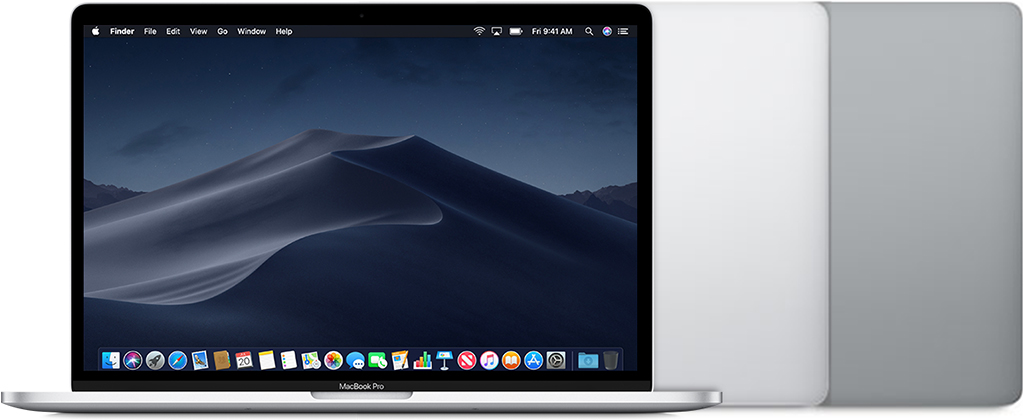
MacBook Pro (15-inch, 2018)
Colors: Silver, space gray
Model Identifier: MacBookPro15,1
Part Numbers: MR932xx/A, MR942xx/A, MR952xx/A, MR962xx/A, MR972xx/A, MUQH2xx/A
Tech Specs: MacBook Pro (15-inch, 2018)
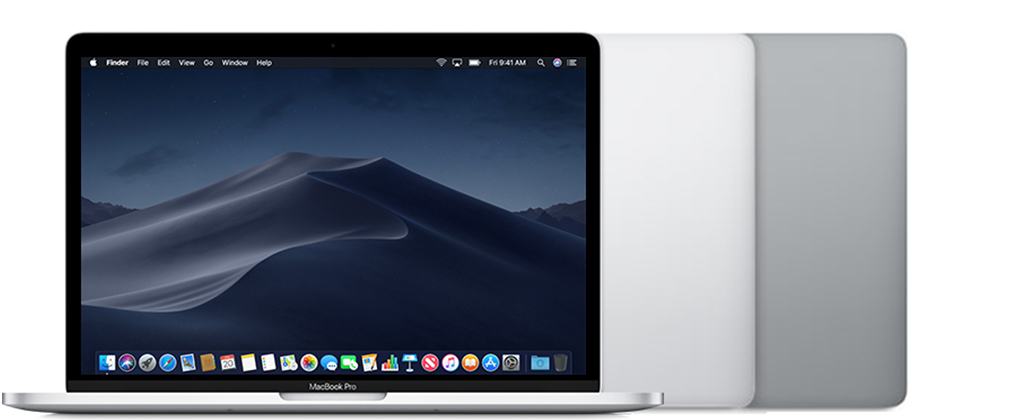
MacBook Pro (13-inch, 2018, Four Thunderbolt 3 ports)
Colors: Silver, space gray
Model Identifier: MacBookPro15,2
Part Numbers: MR9Q2xx/A, MR9R2xx/A, MR9T2xx/A, MR9U2xx/A, MR9V2xx/A
Tech Specs: MacBook Pro (13-inch, 2018, Four Thunderbolt 3 ports)
2017
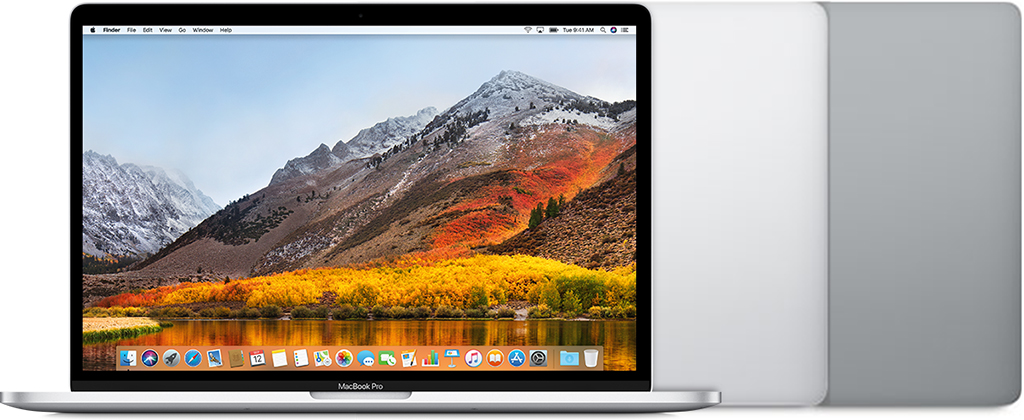
MacBook Pro (15-inch, 2017)
Colors: Silver, space gray
Model Identifier: MacBookPro14,3
Part Numbers: MPTR2xx/A, MPTT2xx/A, MPTU2xx/A, MPTV2xx/A, MPTW2xx/A, MPTX2xx/A
Tech Specs: MacBook Pro (15-inch, 2017)
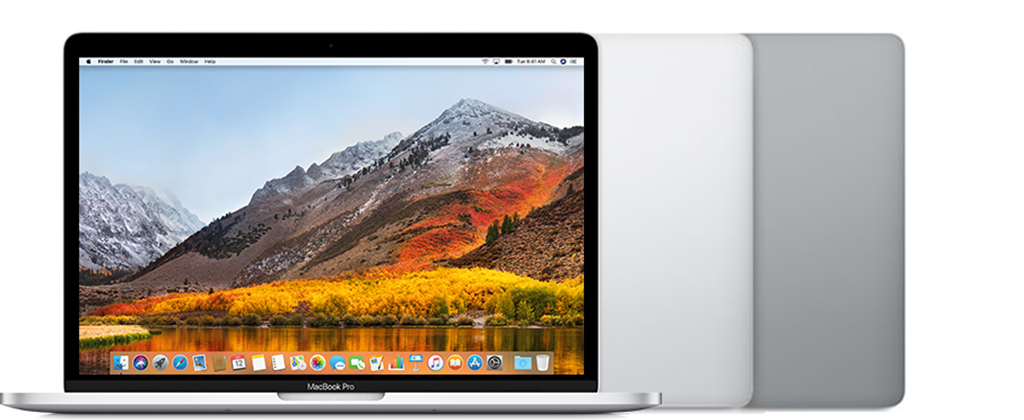
MacBook Pro (13-inch, 2017, Four Thunderbolt 3 ports)
Colors: Silver, space gray
Model Identifier: MacBookPro14,2
Part Numbers: MPXV2xx/A, MPXW2xx/A, MPXX2xx/A, MPXY2xx/A, MQ002xx/A, MQ012xx/A
Tech Specs: MacBook Pro (13-inch, 2017, Four Thunderbolt 3 ports)
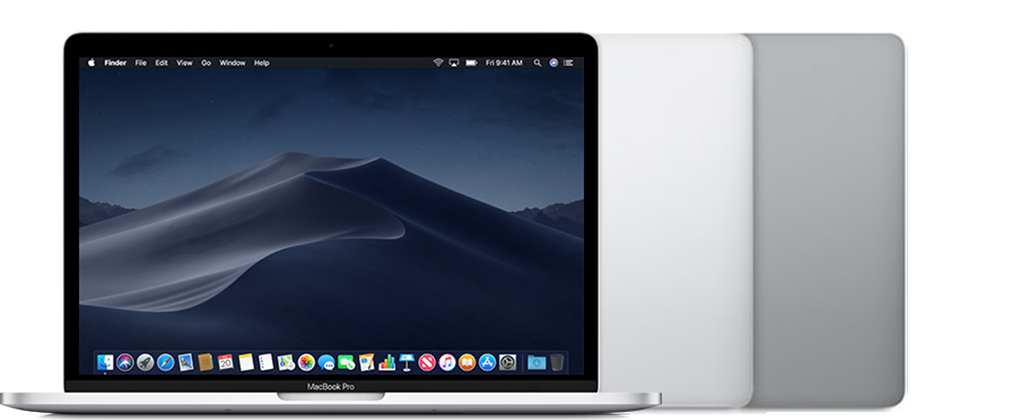
MacBook Pro (13-inch, 2017, Two Thunderbolt 3 ports)
Colors: Silver, space gray
Model Identifier: MacBookPro14,1
Part Numbers: MPXQ2xx/A, MPXR2xx/A, MPXT2xx/A, MPXU2xx/A
Tech Specs: MacBook Pro (13-inch, 2017, Two Thunderbolt 3 ports)
2016
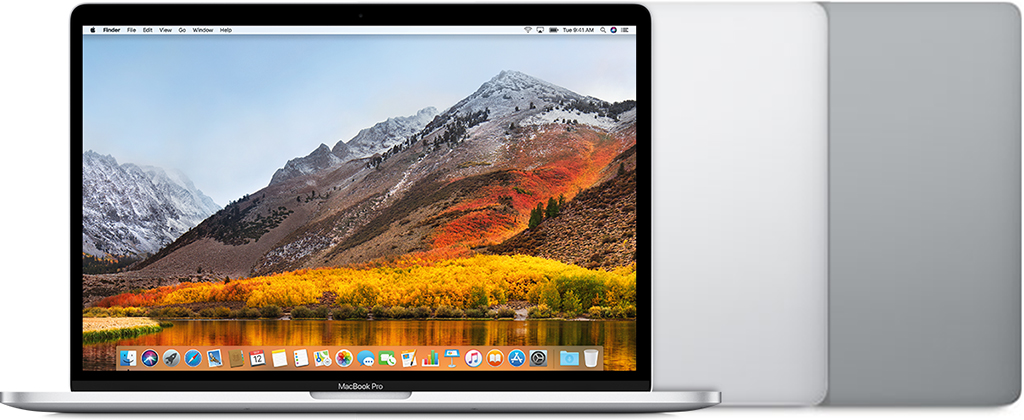
MacBook Pro (15-inch, 2016)
Colors: Silver, space gray
Model Identifier: MacBookPro13,3
Part Numbers: MLH32xx/A, MLH42xx/A, MLH52xx/A, MLW72xx/A, MLW82xx/A, MLW92xx/A
Tech Specs: MacBook Pro (15-inch, 2016)
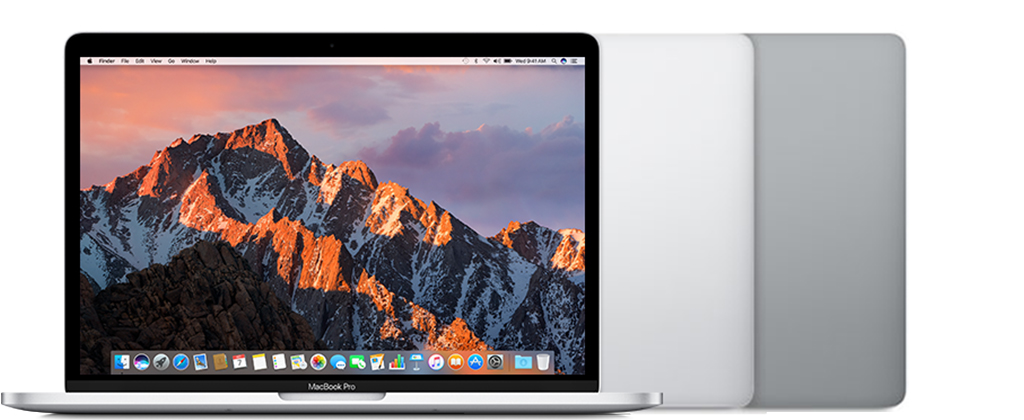
MacBook Pro (13-inch, 2016, Four Thunderbolt 3 ports)
Colors: Silver, space gray
Model Identifier: MacBookPro13,2
Part Numbers: MLH12xx/A, MLVP2xx/A, MNQF2xx/A, MNQG2xx/A, MPDK2xx/A, MPDL2xx/A
Tech Specs: MacBook Pro (13-inch, 2016, Four Thunderbolt 3 ports)
MacBook Pro (13-inch, 2016, Two Thunderbolt 3 ports)
Colors: Silver, space gray
Model Identifier: MacBookPro13,1
Part Numbers: MLL42xx/A, MLUQ2xx/A
Tech Specs: MacBook Pro (13-inch, 2016, Two Thunderbolt 3 ports)
2015
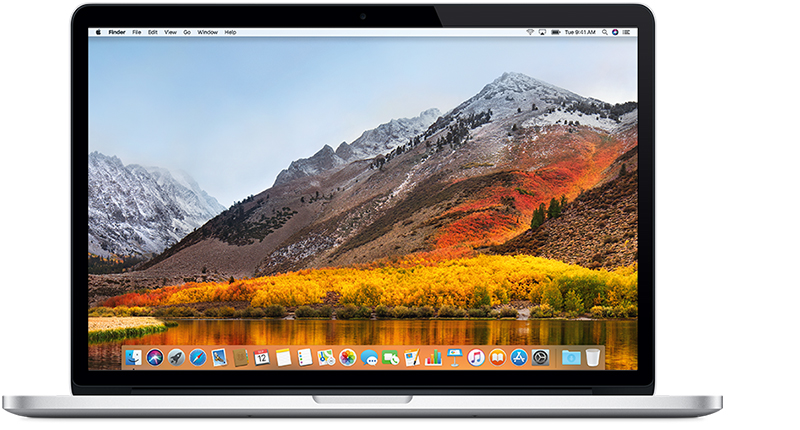
MacBook Pro (Retina, 15-inch, Mid 2015)
Model Identifier: MacBookPro11,4
Part Number: MJLQ2xx/A
Tech Specs: MacBook Pro (Retina, 15-inch, Mid 2015)
MacBook Pro (Retina, 15-inch, Mid 2015)
Model Identifier: MacBookPro11,5
Part Numbers: MJLT2xx/A, MJLU2xx/A
Tech Specs: MacBook Pro (Retina, 15-inch, Mid 2015)
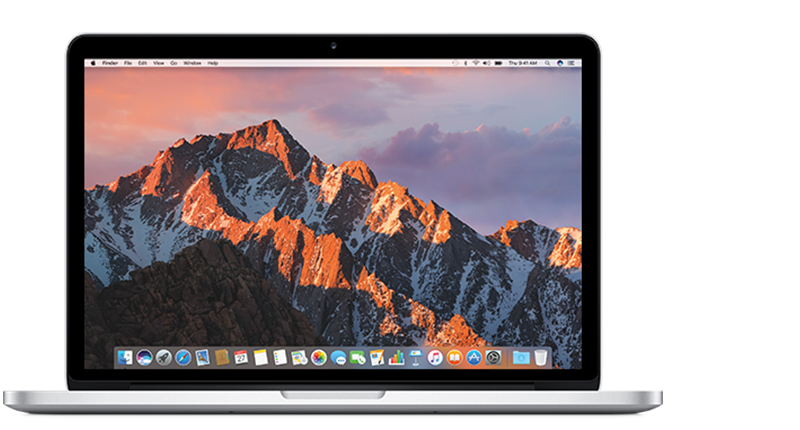
MacBook Pro (Retina, 13-inch, Early 2015)
Model Identifier: MacBookPro12,1
Part Numbers: MF839xx/A, MF840xx/A, MF841xx/A, MF843xx/A
Tech Specs: MacBook Pro (Retina, 13-inch, Early 2015)
2014
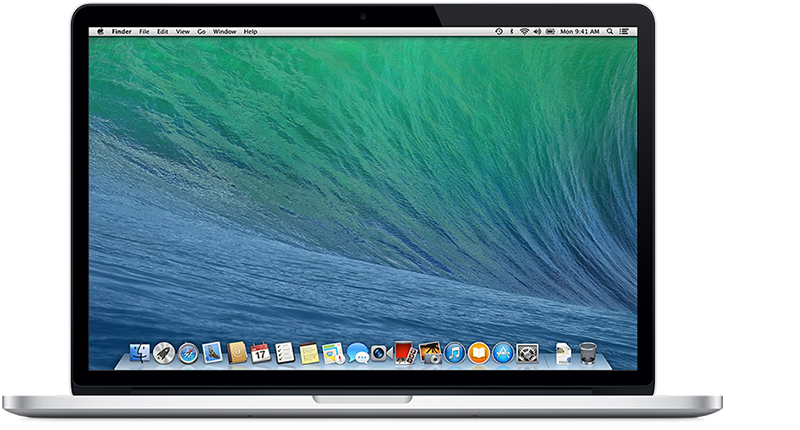
MacBook Pro (Retina, 15-inch, Mid 2014)
Model Identifier: MacBookPro11,2
Part Number: MGXA2xx/A
Tech Specs: MacBook Pro (Retina, 15-inch, Mid 2014)
MacBook Pro (Retina, 15-inch, Mid 2014)
Model Identifier: MacBookPro11,3
Part Number: MGXC2xx/A
Tech Specs: MacBook Pro (Retina, 15-inch, Mid 2014)
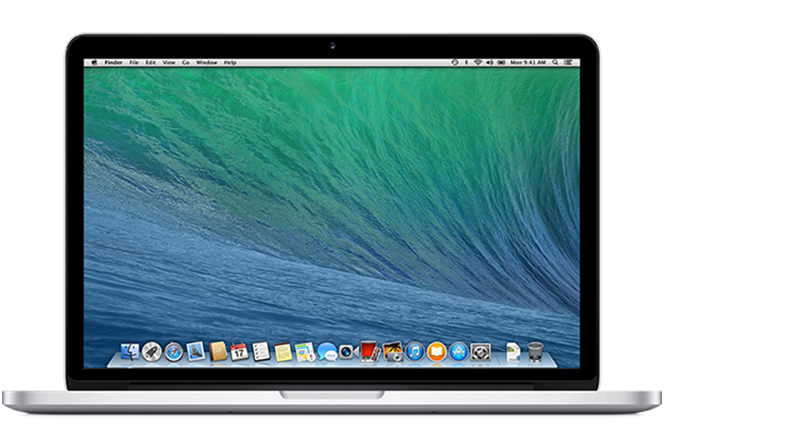
MacBook Pro (Retina, 13-inch, Mid 2014)
Model Identifier: MacBookPro11,1
Part Numbers: MGX72xx/A, MGX82xx/A, MGX92xx/A
Tech Specs: MacBook Pro (Retina, 13-inch, Mid 2014)
2013
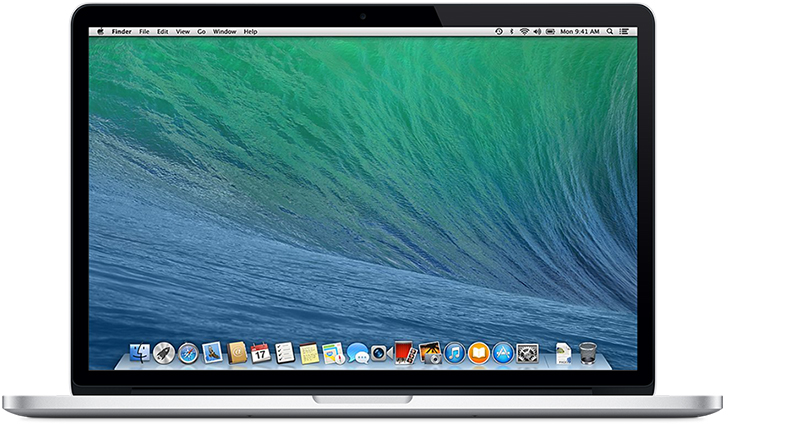
MacBook Pro (Retina, 15-inch, Late 2013)
Model Identifier: MacBookPro11,2
Part Number: ME293xx/A
Tech Specs: MacBook Pro (Retina, 15-inch, Late 2013)
MacBook Pro (Retina, 15-inch, Late 2013)
Model Identifier: MacBookPro11,3
Part Number: ME294xx/A
Tech Specs: MacBook Pro (Retina, 15-inch, Late 2013)
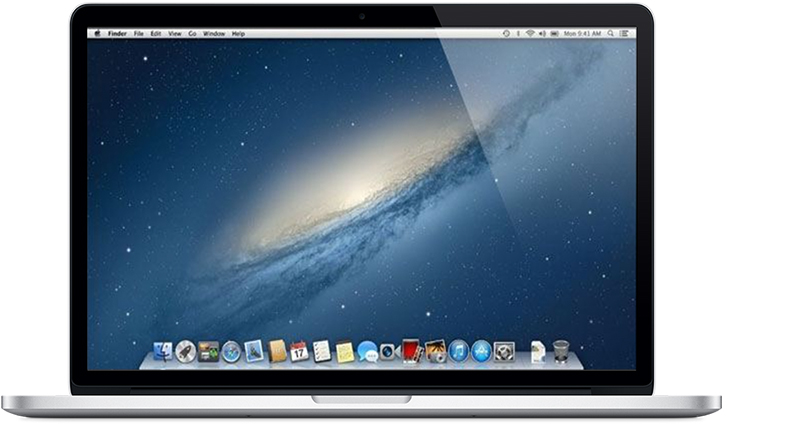
MacBook Pro (Retina, 15-inch, Early 2013)
Model Identifier: MacBookPro10,1
Part Numbers: ME664xx/A, ME665xx/A
Tech Specs: MacBook Pro (Retina, 15-inch, Early 2013)
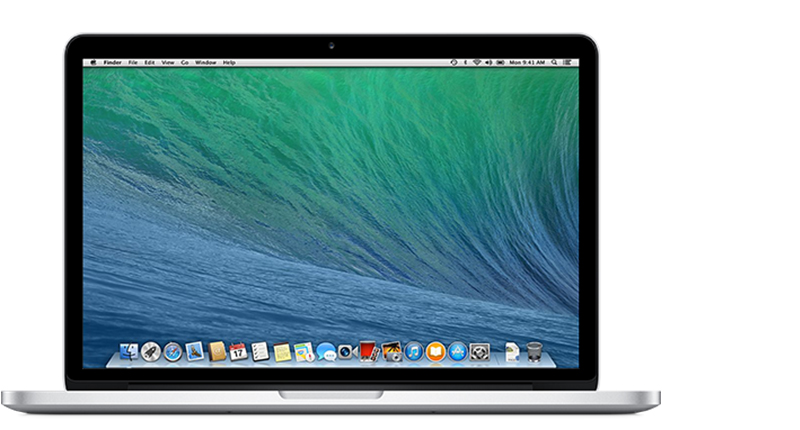
MacBook Pro (Retina, 13-inch, Late 2013)
Model Identifier: MacBookPro11,1
Part Numbers: ME864xx/A, ME865xx/A, ME866xx/A
Tech Specs: MacBook Pro (Retina, 13-inch, Late 2013)
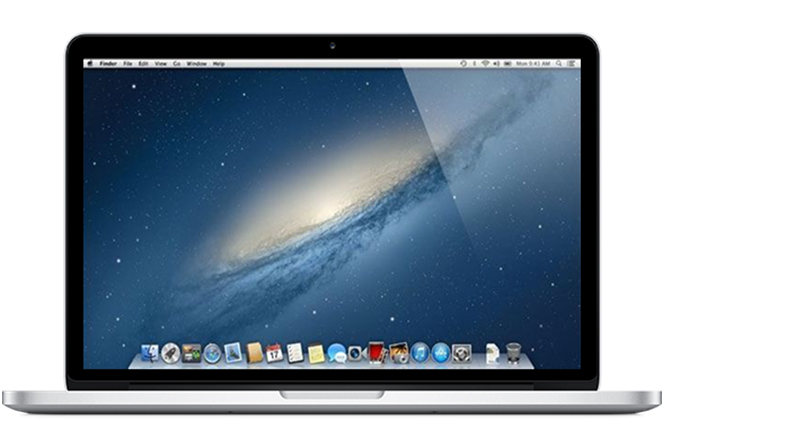
MacBook Pro (Retina, 13-inch, Early 2013)
Model Identifier: MacBookPro10,2
Part Numbers: MD212xx/A, ME662xx/A
Tech Specs: MacBook Pro (Retina, 13-inch, Early 2013)
2012
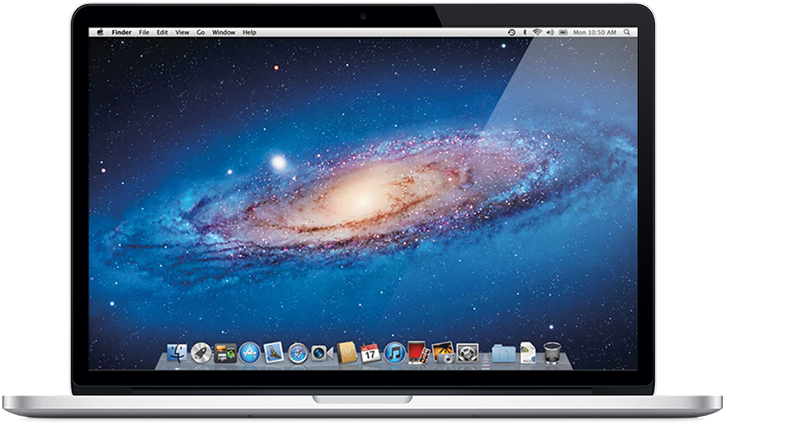
MacBook Pro (Retina, 15-inch, Mid 2012)
Model Identifier: MacBookPro10,1
Part Numbers: MC975xx/A, MC976xx/A
Tech Specs: MacBook Pro (Retina, 15-inch, Mid 2012)
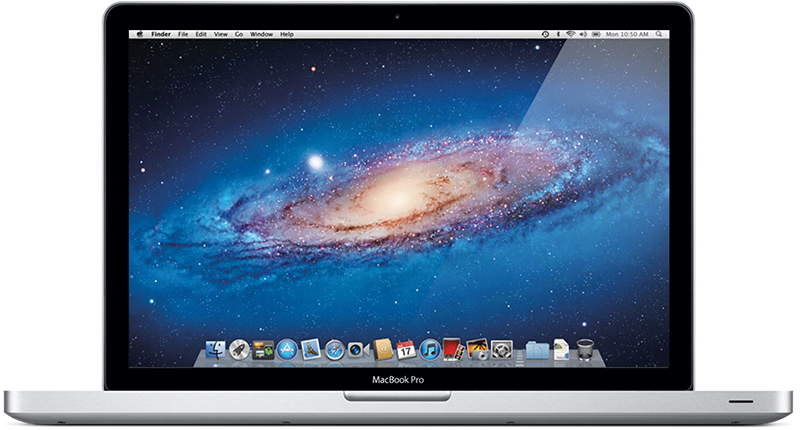
MacBook Pro (15-inch, Mid 2012)
Model Identifier: MacBookPro9,1
Part Numbers: MD103xx/A, MD104xx/A
Tech Specs: MacBook Pro (15-inch, Mid 2012)
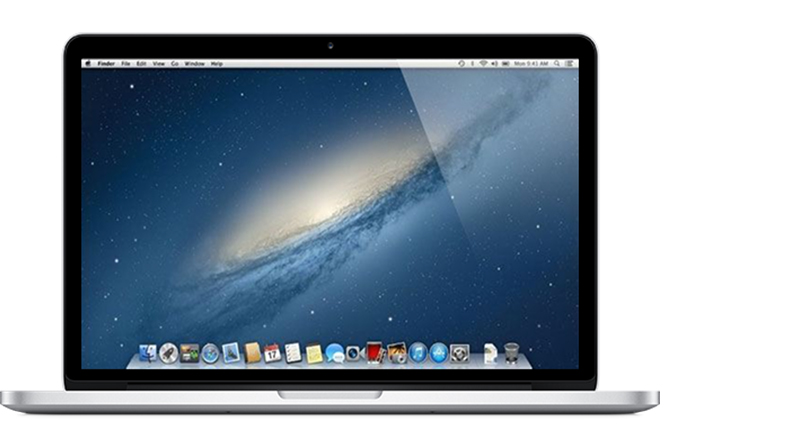
MacBook Pro (Retina, 13-inch, Late 2012)
Model Identifier: MacBookPro10,2
Part Numbers: MD212xx/A, MD213xx/A
Tech Specs: MacBook Pro (Retina, 13-inch, Late 2012)
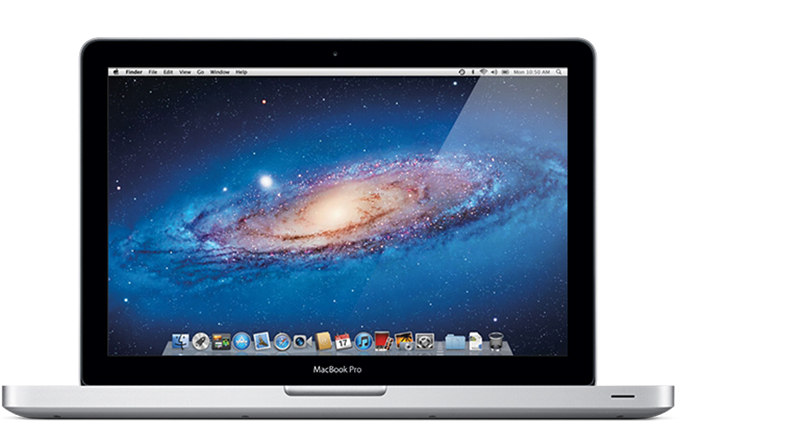
MacBook Pro (13-inch, Mid 2012)
Model Identifier: MacBookPro9,2
Part Numbers: MD101xx/A, MD102xx/A
Tech Specs: MacBook Pro (13-inch, Mid 2012)
2011
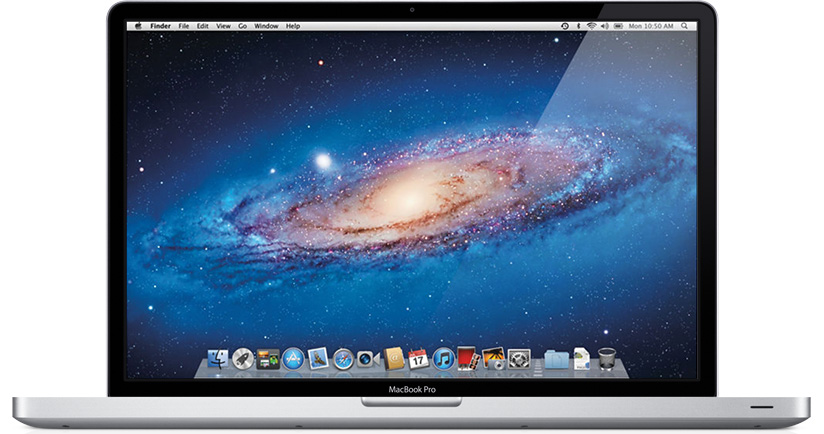
MacBook Pro (17-inch, Late 2011)
Model Identifier: MacBookPro8,3
Part Number: MD311xx/A
Newest compatible operating system: macOS High Sierra 10.13.6
Tech Specs: MacBook Pro (17-inch, Late 2011)
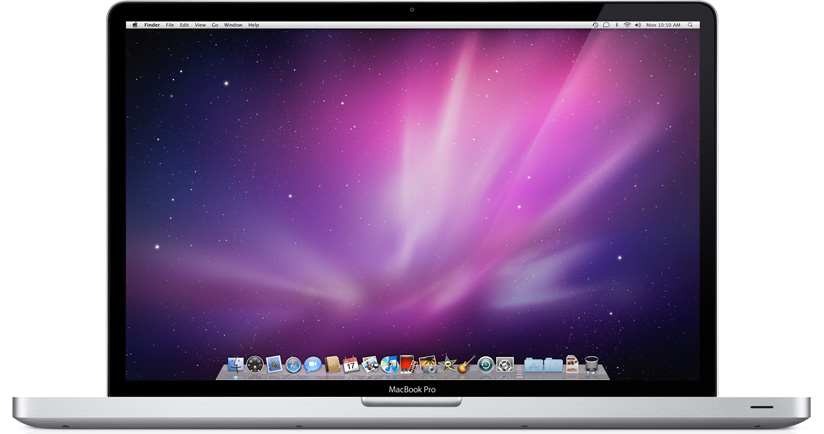
MacBook Pro (17-inch, Early 2011)
Model Identifier: MacBookPro8,3
Part Number: MC725xx/A
Newest compatible operating system: macOS High Sierra 10.13.6
Tech Specs: MacBook Pro (17-inch, Early 2011)
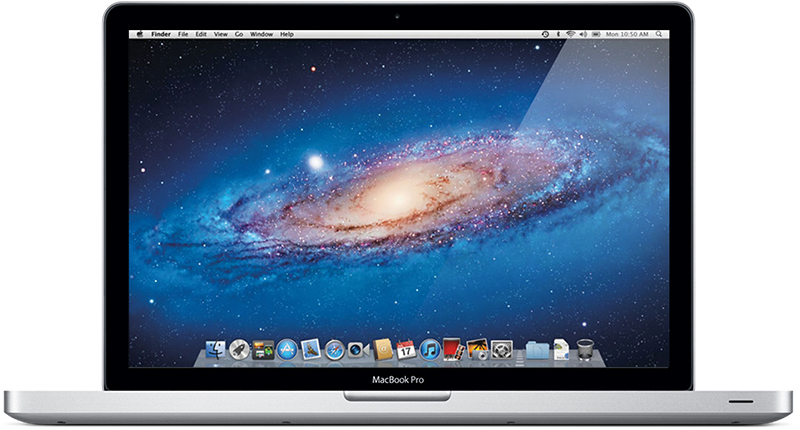
MacBook Pro (15-inch, Late 2011)
Model Identifier: MacBookPro8,2
Part Numbers: MD322xx/A, MD318xx/A
Newest compatible operating system: macOS High Sierra 10.13.6
Tech Specs: MacBook Pro (15-inch, Late 2011)
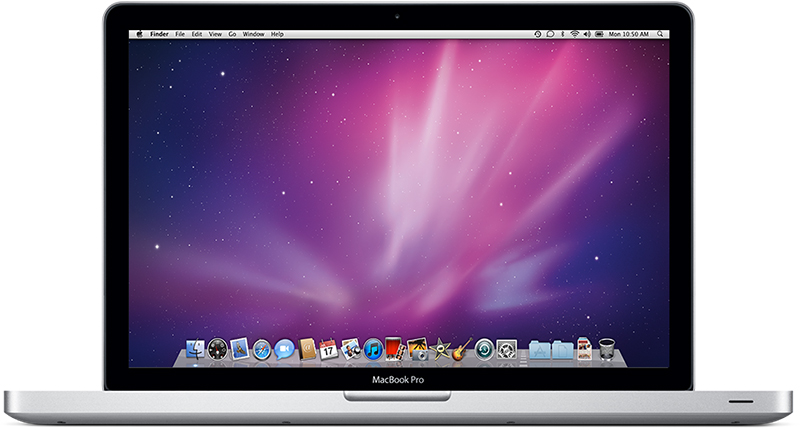
MacBook Pro (15-inch, Early 2011)
Model Identifier: MacBookPro8,2
Part Numbers: MC723xx/A, MC721xx/A
Newest compatible operating system: macOS High Sierra 10.13.6
Tech Specs: MacBook Pro (15-inch, Early 2011)
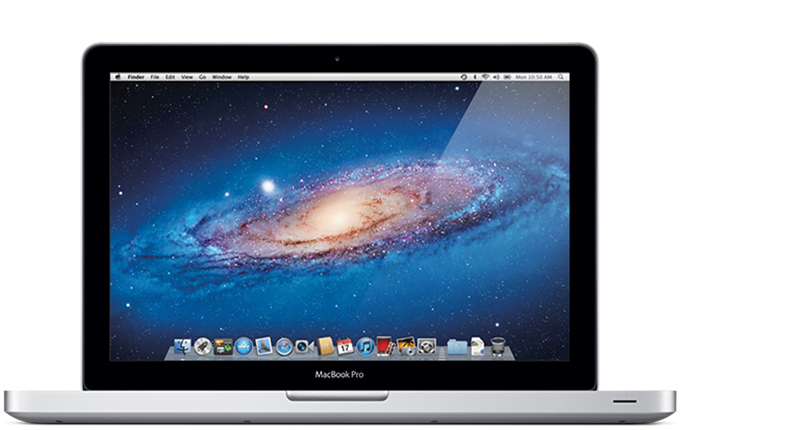
MacBook Pro (13-inch, Late 2011)
Model Identifier: MacBookPro8,1
Part Numbers: MD314xx/A, MD313xx/A
Newest compatible operating system: macOS High Sierra 10.13.6
Tech Specs: MacBook Pro (13-inch, Late 2011)
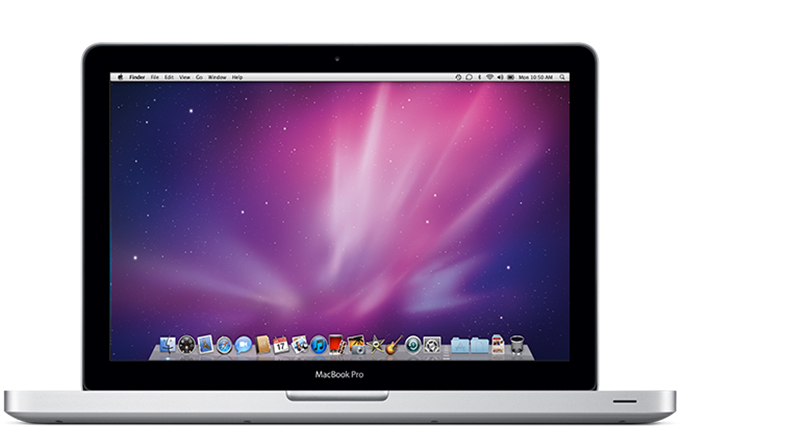
MacBook Pro (13-inch, Early 2011)
Model Identifier: MacBookPro8,1
Part Numbers: MC724xx/A, MC700xx/A
Newest compatible operating system: macOS High Sierra 10.13.6
Tech Specs: MacBook Pro (13-inch, Early 2011)
2010
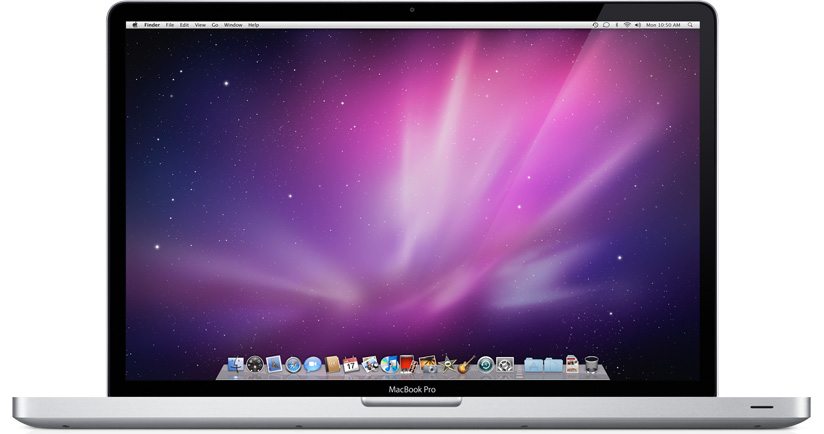
MacBook Pro (17-inch, Mid 2010)
Model Identifier: MacBookPro6,1
Part Number: MC024xx/A
Newest compatible operating system: macOS High Sierra 10.13.6
Tech Specs: MacBook Pro (17-inch, Mid 2010)
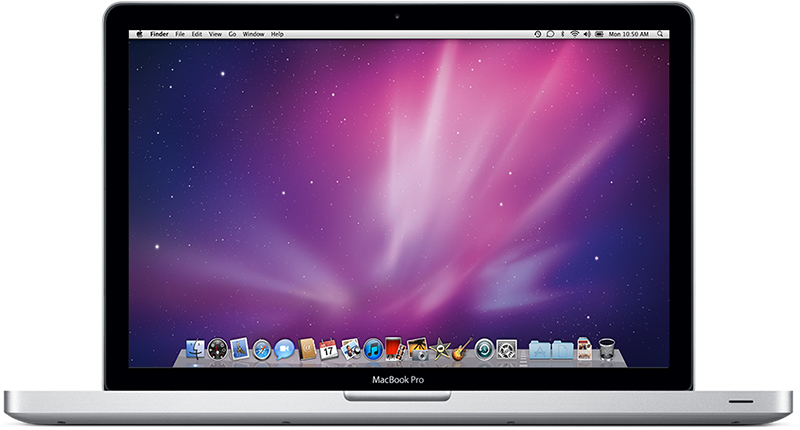
MacBook Pro (15-inch, Mid 2010)
Model Identifier: MacBookPro6,2
Part Numbers: MC373xx/A, MC372xx/A, MC371xx/A
Newest compatible operating system: macOS High Sierra 10.13.6
Tech Specs: MacBook Pro (15-inch, Mid 2010)
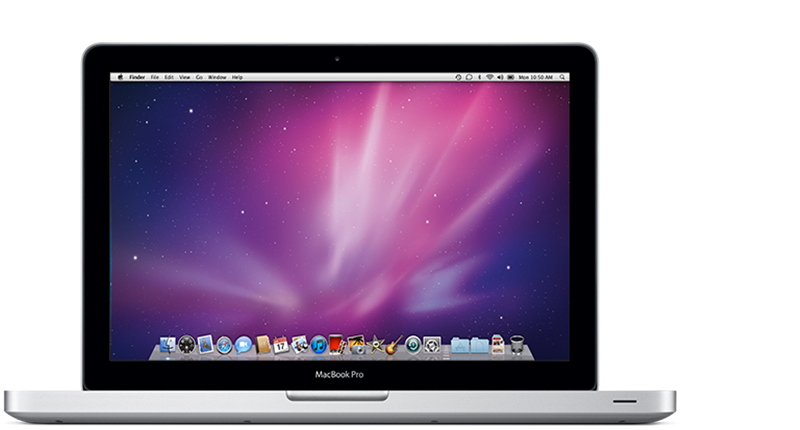
MacBook Pro (13-inch, Mid 2010)
Model Identifier: MacBookPro7,1
Part Numbers: MC375xx/A, MC374xx/A
Newest compatible operating system: macOS High Sierra 10.13.6
Tech Specs: MacBook Pro (13-inch, Mid 2010)
2009
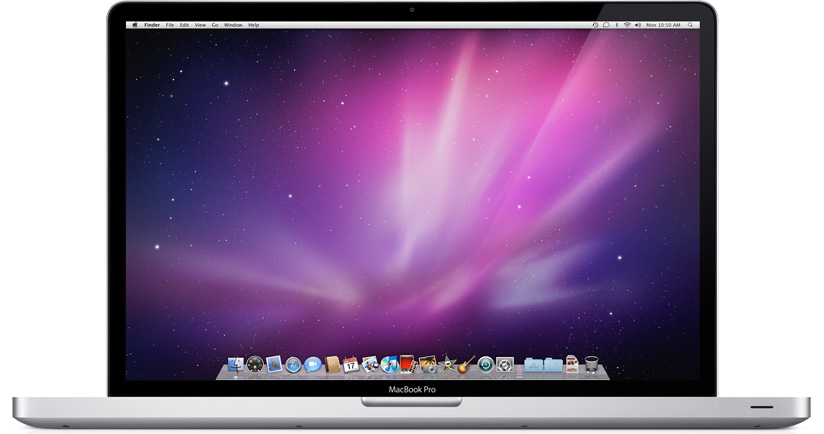
MacBook Pro (17-inch, Mid 2009)
Model Identifier: MacBookPro5,2
Part Number: MC226xx/A
Newest compatible operating system: OS X El Capitan 10.11.6
Tech Specs: MacBook Pro (17-inch, Mid 2009)
MacBook Pro (17-inch, Early 2009)
Model Identifier: MacBookPro5,2
Part Number: MB604xx/A
Newest compatible operating system: OS X El Capitan 10.11.6
Tech Specs: MacBook Pro (17-inch, Early 2009)
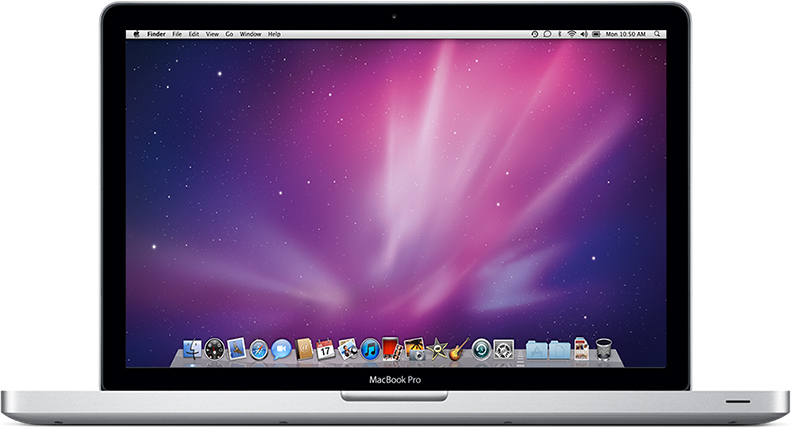
MacBook Pro (15-inch, Mid 2009)
Model Identifier: MacBookPro5,3
Part Numbers: MB985xx/A, MB986xx/A
Newest compatible operating system: OS X El Capitan 10.11.6
Tech Specs: MacBook Pro (15-inch, Mid 2009)
MacBook Pro (15-inch, 2.53GHz, Mid 2009)
Model Identifier: MacBookPro5,3
Part Number: MC118xx/A
Newest compatible operating system: OS X El Capitan 10.11.6
Tech Specs: MacBook Pro (15-inch, 2.53GHz, Mid 2009)
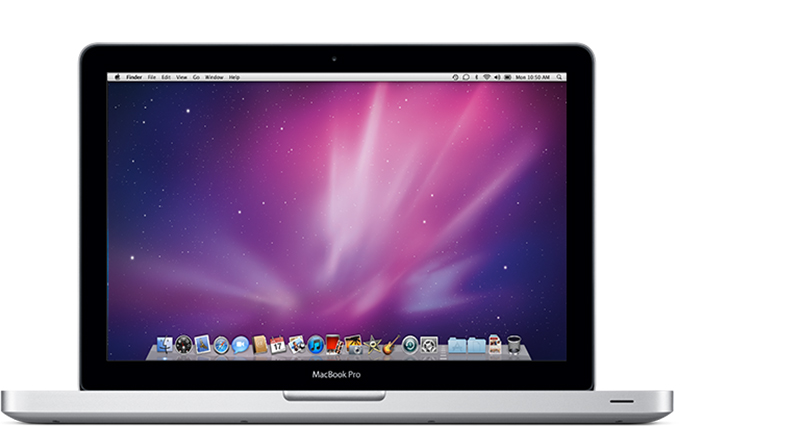
MacBook Pro (13-inch, Mid 2009)
Model Identifier: MacBookPro5,5
Part Numbers: MB991xx/A, MB990xx/A
Newest compatible operating system: OS X El Capitan 10.11.6
Tech Specs: MacBook Pro (13-inch, Mid 2009)
2008
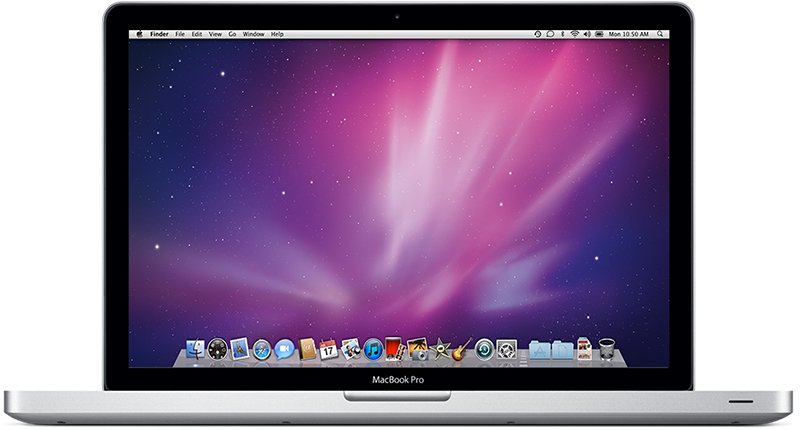
MacBook Pro (15-inch, Late 2008)
Model Identifier: MacBookPro5,1
Part Number: MB470xx/A, MB471xx/A
Newest compatible operating system: OS X El Capitan 10.11.6
Tech Specs: MacBook Pro (15-inch, Late 2008)
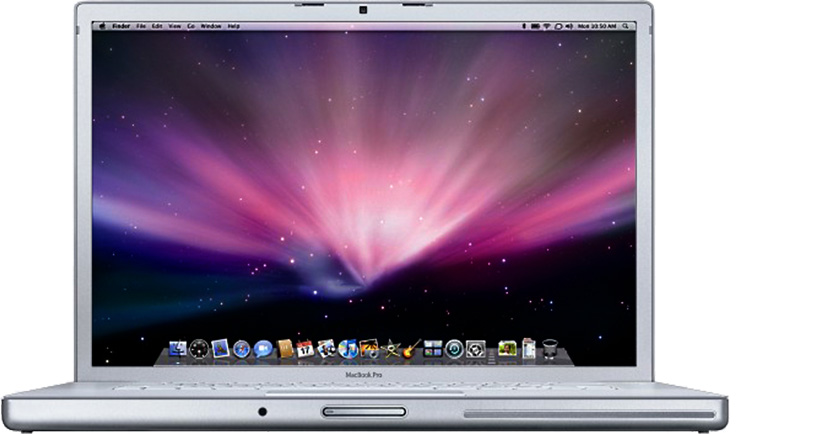
MacBook Pro (17-inch, Early 2008)
Model Identifier: MacBookPro4,1
Part Number: MB166xx/A
Newest compatible operating system: OS X El Capitan 10.11.6
Tech Specs: MacBook Pro (17-inch, Early 2008)
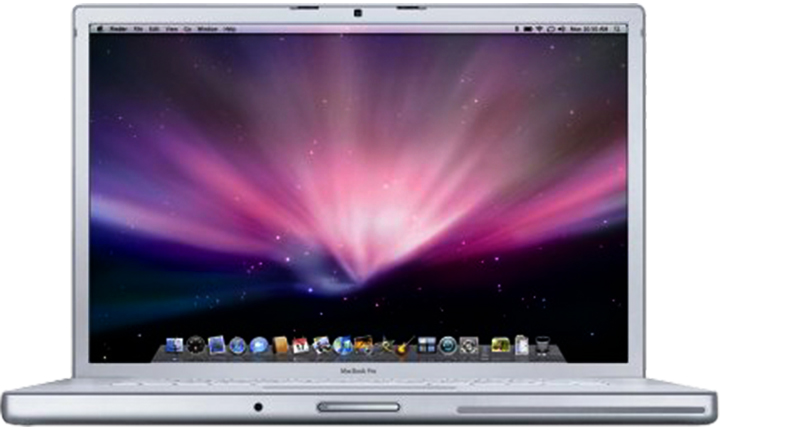
MacBook Pro (15-inch, Early 2008)
Model Identifier: MacBookPro4,1
Part Number: MB133xx/A, MB134xx/A
Newest compatible operating system: OS X El Capitan 10.11.6
Tech Specs: MacBook Pro (15-inch, Early 2008)